Quick Start
Doc Version: 1.2.2 Last Updated: 2026-09-18 Applicable Version: v3.1.1+ Author: Lincoln
This guide will help you make your first API call to JAiRouter and understand the basic concepts.
Learning Objectives
After completing this guide, you will be able to: - Start JAiRouter service - Configure your first AI model service - Send API requests and receive responses - Experience load balancing and rate limiting
Prerequisites
- JAiRouter is installed and running (see Installation Guide)
- At least one AI model service is configured and accessible
Step 0: Generate Secure Keys (v3.1.1+ Recommended)
The production profile (prod) deliberately ships no default JWT key, so you need to generate one with at least 32 characters.
💡 Tip: You can use the built-in key generator in the image:
Alternatively, use the command-line methods below:
Linux / macOS / Git Bash
Windows PowerShell
# Generate a Base64-encoded JWT key
[Convert]::ToBase64String((1..32 | ForEach-Object {Get-Random -Maximum 256}))
Set Environment Variables
# Set the JWT key (replace with the value generated above)
export JWT_SECRET="your-base64-encoded-secret"

# Optional: override the admin password (production only)
export INITIAL_ADMIN_PASSWORD="your-own-strong-password"
💡 Tip: For quick local testing (dev profile), no key configuration is required — a built-in development key is included. The
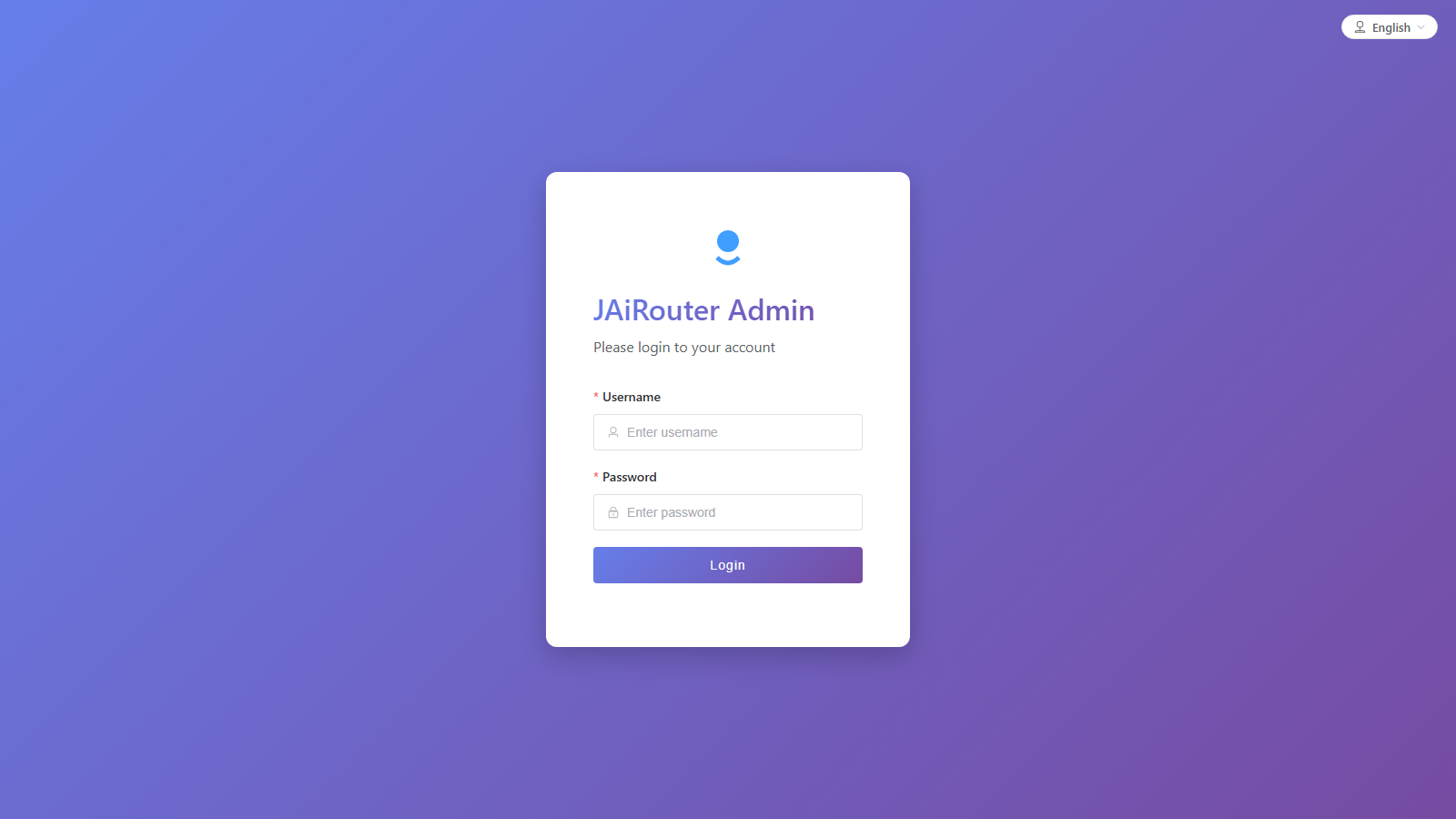
JWT_SECRETis only needed for production. 🔐 Default console login:admin/ChangeMeOnFirstStartup123456(created automatically only when the account table is empty). In production, override it withINITIAL_ADMIN_PASSWORDas shown above; otherwise change it after the first login.
Your First API Call
1. Chat Completion
Make a chat completion request using the OpenAI-compatible API:
curl -X POST http://localhost:8080/v1/chat/completions \
  -H "Content-Type: application/json" \
  -H "X-API-Key: <API key created in the console>" \
  -d '{
    "model": "qwen2.5:7b",
    "messages": [
      {
        "role": "user",
        "content": "Hello, how are you?"
      }
    ],
    "max_tokens": 100
  }'
2. Text Embeddings
Generate text embeddings:
curl -X POST http://localhost:8080/v1/embeddings \
  -H "Content-Type: application/json" \
  -d '{
    "model": "text-embedding-ada-002",
    "input": "Hello world"
  }'
Prerequisites: a management token
The commands in this section call the management API, which is authenticated — without a token they return 401 {"error":{"code":"AUTH_MISSING"}}. Get a JWT once per shell and reuse it (the dev default account is admin / ChangeMeOnFirstStartup123456; change it in production):
TOKEN=$(curl -s -X POST -H "Content-Type: application/json" \
  -d '{"username":"admin","password":"ChangeMeOnFirstStartup123456"}' \
  http://localhost:8080/api/auth/jwt/login | jq -r .data.token)
Every command below then sends it as -H "Jairouter_Token: $TOKEN". Note the header name: the JWT header is Jairouter_Token (configurable via jairouter.security.jwt.jwt-header), not Authorization: Bearer.
Common Configuration Examples
Online API Services
OpenAI GPT
curl -X POST "http://localhost:8080/api/config/instance/chat" \
  -H "Jairouter_Token: $TOKEN" \
  -H "Content-Type: application/json" \
  -d '{
    "name": "gpt-4o",
    "baseUrl": "https://api.openai.com",
    "path": "/v1/chat/completions",
    "adapter": "normal",
    "headers": {
      "Authorization": "Bearer sk-proj-xxxxx"
    }
  }'
DeepSeek
curl -X POST "http://localhost:8080/api/config/instance/chat" \
  -H "Jairouter_Token: $TOKEN" \
  -H "Content-Type: application/json" \
  -d '{
    "name": "deepseek-chat",
    "baseUrl": "https://api.deepseek.com",
    "path": "/v1/chat/completions",
    "adapter": "normal",
    "headers": {
      "Authorization": "Bearer sk-xxxxxxxx"
    }
  }'
Anthropic Claude
curl -X POST "http://localhost:8080/api/config/instance/chat" \
  -H "Jairouter_Token: $TOKEN" \
  -H "Content-Type: application/json" \
  -d '{
    "name": "claude-sonnet",
    "baseUrl": "https://api.anthropic.com",
    "path": "/v1/messages",
    "adapter": "claude",
    "headers": {
      "x-api-key": "sk-ant-api03-xxxxx"
    }
  }'
Note: The Claude adapter automatically injects the
anthropic-versionheader.
Google Gemini
curl -X POST "http://localhost:8080/api/config/instance/chat" \
  -H "Jairouter_Token: $TOKEN" \
  -H "Content-Type: application/json" \
  -d '{
    "name": "gemini-pro",
    "baseUrl": "https://generativelanguage.googleapis.com/v1beta/openai",
    "path": "/chat/completions",
    "adapter": "normal",
    "headers": {
      "Authorization": "Bearer AIzaSyxxxxx"
    }
  }'
Local Inference Engines
Ollama
curl -X POST "http://localhost:8080/api/config/instance/chat" \
  -H "Jairouter_Token: $TOKEN" \
  -H "Content-Type: application/json" \
  -d '{
    "name": "llama3.2:3b",
    "baseUrl": "http://localhost:11434",
    "path": "/api/chat",
    "adapter": "ollama"
  }'
vLLM
curl -X POST "http://localhost:8080/api/config/instance/chat" \
  -H "Jairouter_Token: $TOKEN" \
  -H "Content-Type: application/json" \
  -d '{
    "name": "vllm-qwen",
    "baseUrl": "http://localhost:8000",
    "path": "/v1/chat/completions",
    "adapter": "vllm"
  }'
Tip: For more configuration examples, see Instance Configuration Examples.
View Service Status
Check Instance List
# Get all chat service instances
curl -H "Jairouter_Token: $TOKEN" "http://localhost:8080/api/config/instance/chat"
View Monitoring Metrics
🔑 Admin credentials are required**: the /actuator/** calls below go through the normal authentication chain — only
/actuator/health(including theliveness/readinesssub-paths),/actuator/infoand/actuator/prometheusare anonymous (for k8s probes and Prometheus scraping); everything else needs the ADMIN role. Without credentials you get401 AUTH_MISSING. (Before the fix even a valid ADMIN JWT got 401: the auth chain was excluded whilehasRole("ADMIN")was still required, so the two cancelled out — see issue #340.)Fetch a JWT and call the endpoint (verified locally):
# View application metrics
curl "http://localhost:8080/actuator/metrics"

# View specific metrics (e.g., request count)
curl "http://localhost:8080/actuator/metrics/http.server.requests"
Experience Load Balancing
Add a second service instance to experience load balancing:
# Add another instance
curl -X POST "http://localhost:8080/api/config/instance/chat" \
  -H "Jairouter_Token: $TOKEN" \
  -H "Content-Type: application/json" \
  -d '{
    "name": "llama3.2:1b",
    "baseUrl": "http://localhost:11434",
    "path": "/v1/chat/completions",
    "adapter": "ollama",
    "weight": 2
  }'
Now send multiple requests, and JAiRouter will distribute them based on the configured load balancing strategy (default: round-robin).
Next Steps
| Next Step | Content | Suitable For |
|---|---|---|
| First Steps Guide | In-depth configuration and production preparation | Ready to use in projects |
| Configuration Guide | Detailed configuration parameters | Need specific configuration |
| API Reference | Complete API documentation | Development integration |
| Deployment Guide | Production environment deployment | Going live |
Troubleshooting
Q: Service fails to start?
A: Check the following: 1. Port 8080 is not occupied 2. Java version is 17+ 3. Check logs for detailed error information
Q: Cannot connect to backend AI service?
A: Confirm: 1. Backend service is running normally 2. Network connection is normal 3. Configured URL and port are correct
Q: API call returns error?
A: Check: 1. Request format is correct 2. Model name matches 3. Check JAiRouter logs for detailed information